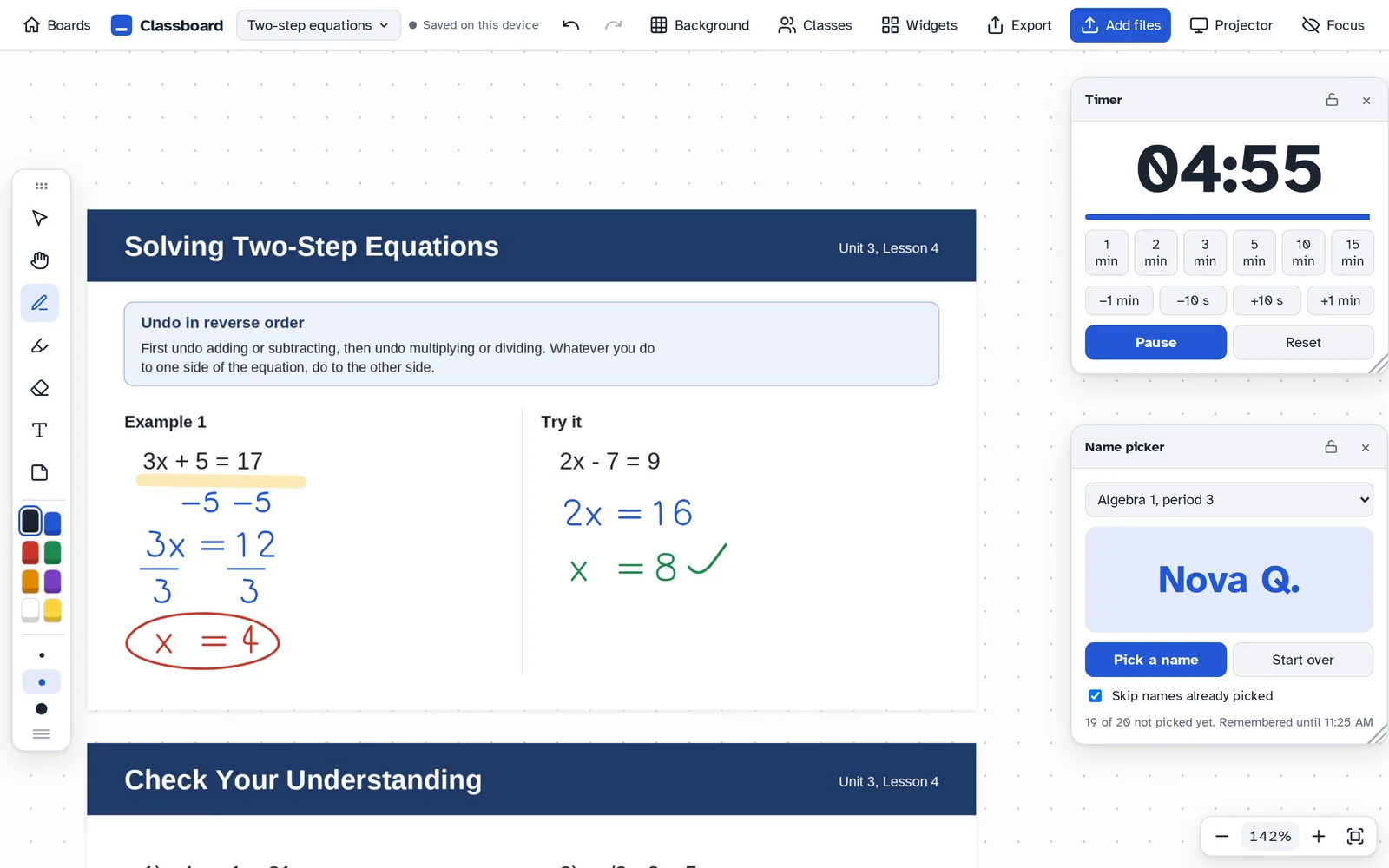
Classboard is an infinite whiteboard made for the classroom. Bring in your slides and PDFs, write on them with an Apple Pencil, and pull up a timer, a name picker, or tomorrow's seating chart without switching apps.
The demo has every feature and needs no account. Nothing in it is saved. Already have an account? Sign in.
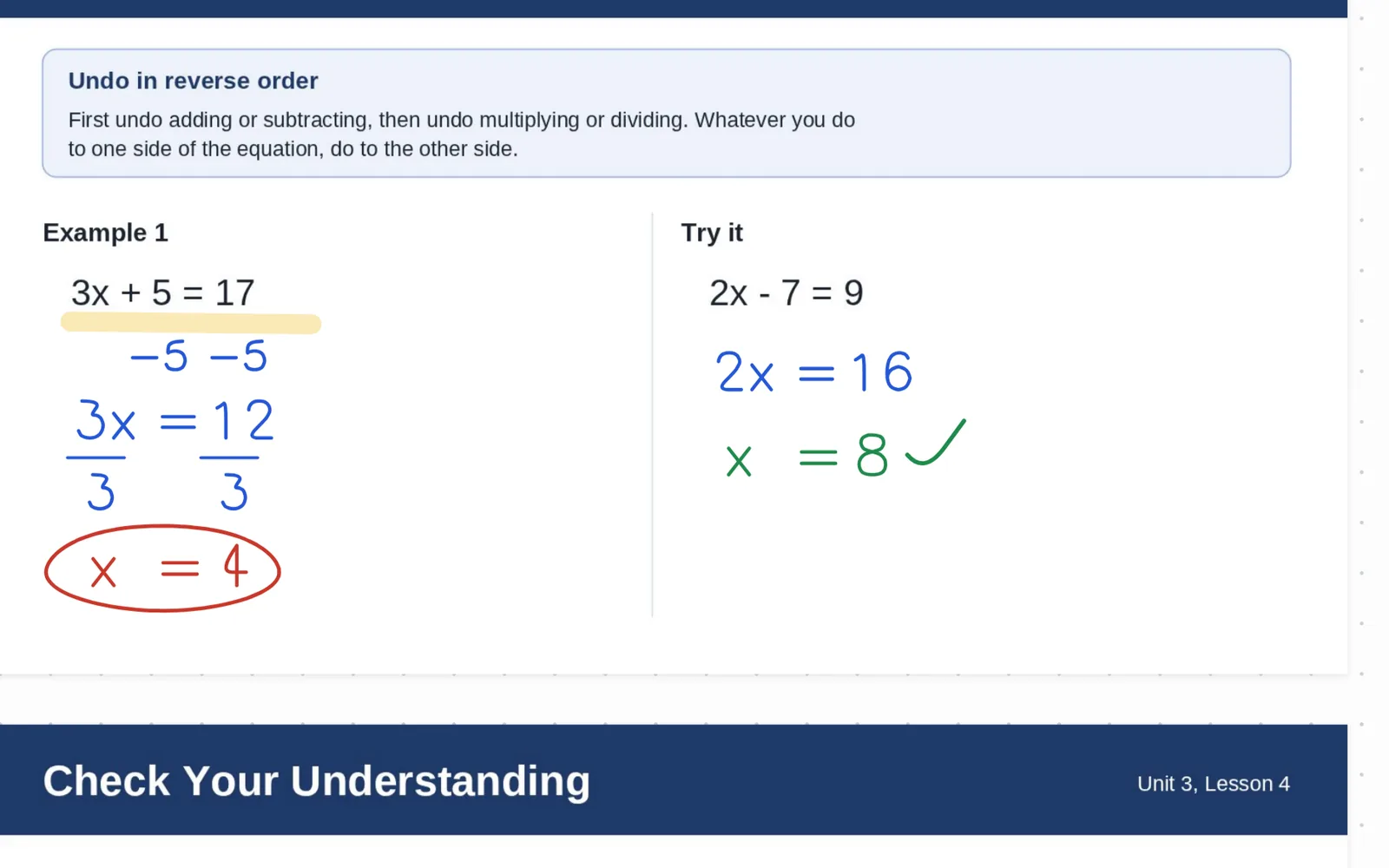
A real lesson board, written on with an Apple Pencil
Try it yourself, no account needed
What it does
Most classrooms juggle a slide deck, a notes app, a timer site, and a random name website. Classboard puts them on one canvas that never runs out of room.
Import a PDF or PowerPoint and every page lands on the board, locked in place so it doesn't slide around while you write. Work problems out by hand, then keep going into the open space next to the slide.

Timer, stopwatch, name picker, roll call, group maker, voice level, and dice. Resize them so the back row can read them, lock them in place, and they remember where you left off for the rest of the period.

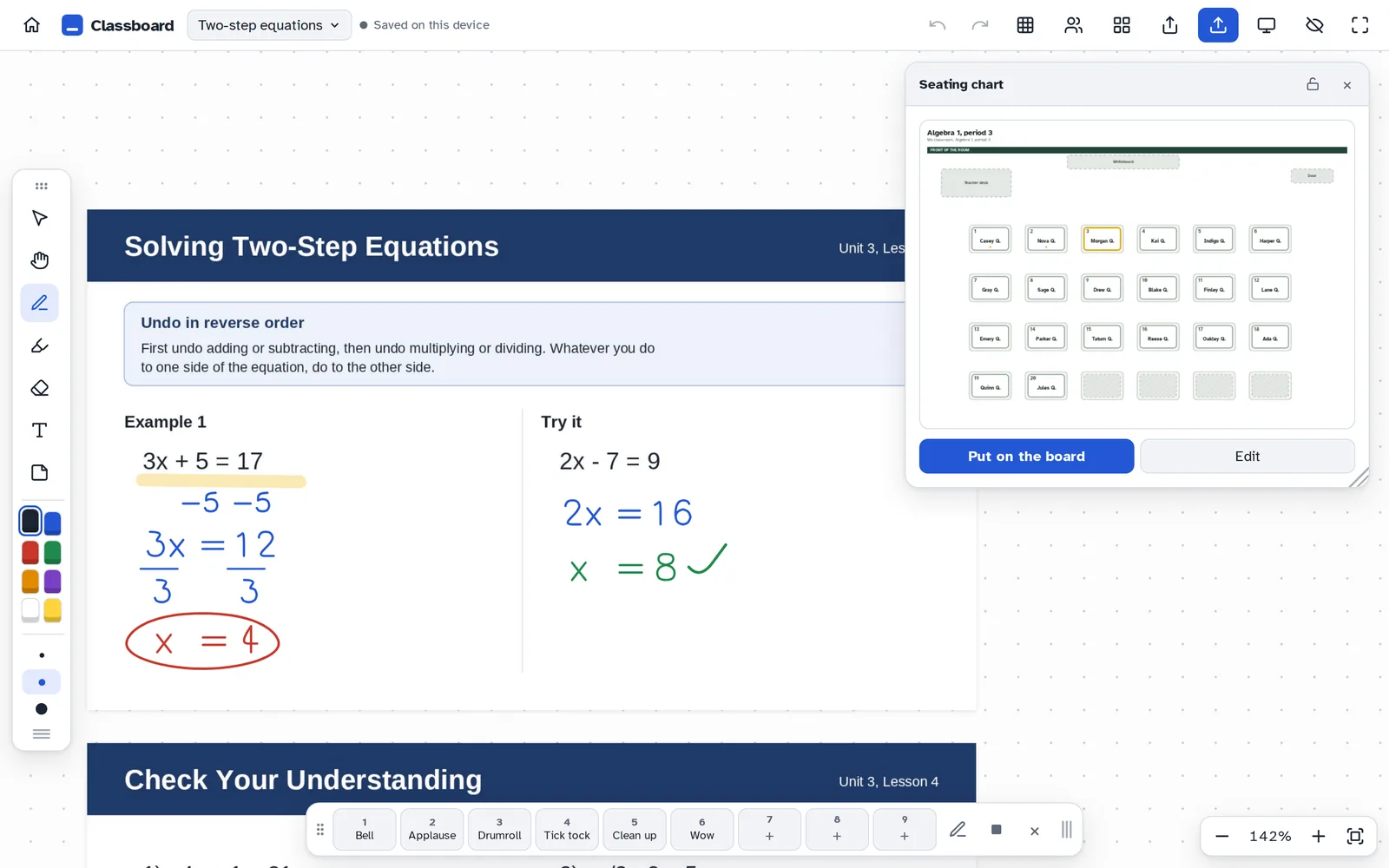
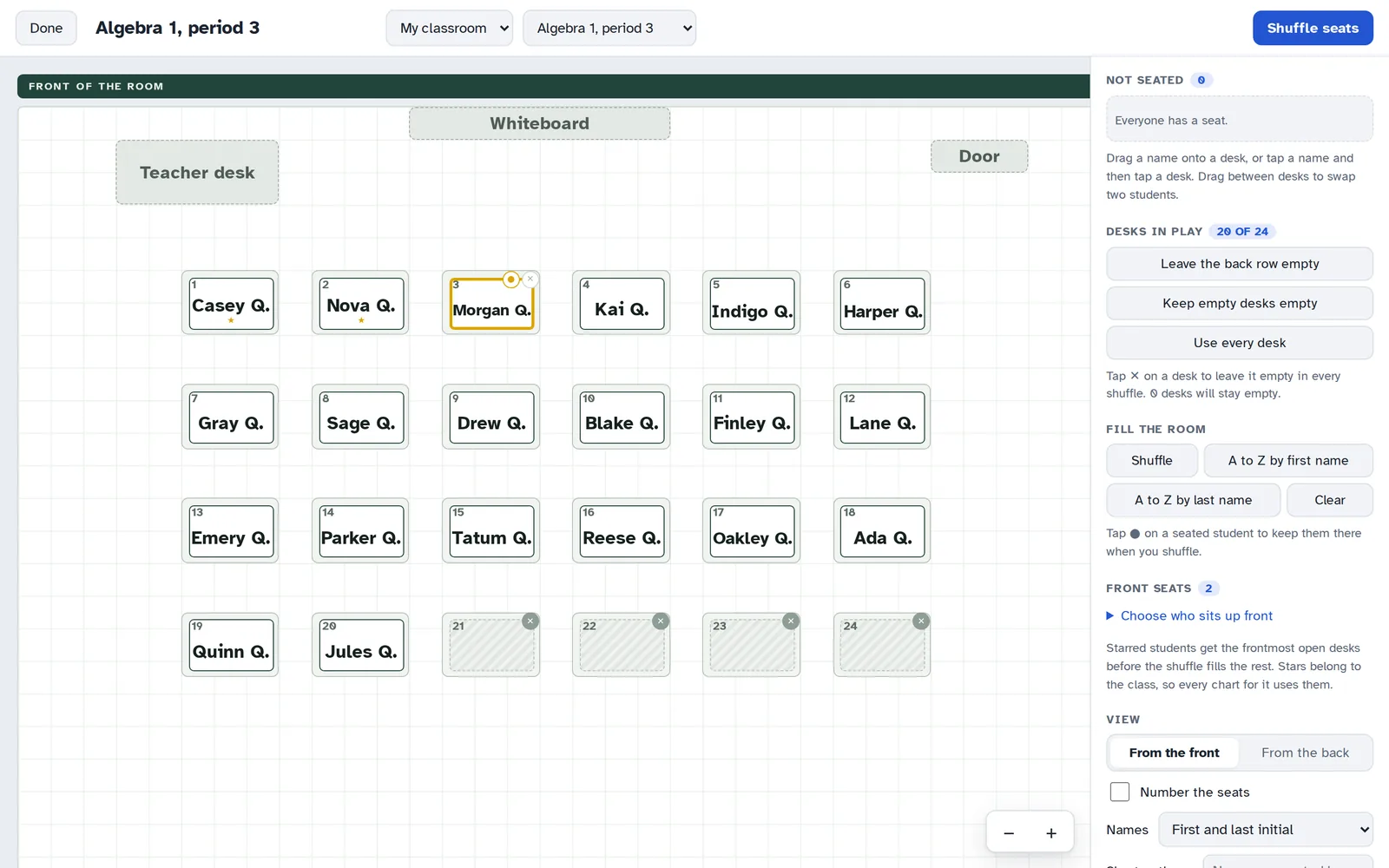
Draw your room once, then seat every class you teach in it. Shuffle, drag students around, keep a student where they are, and leave the back row empty when you have fewer students than desks.

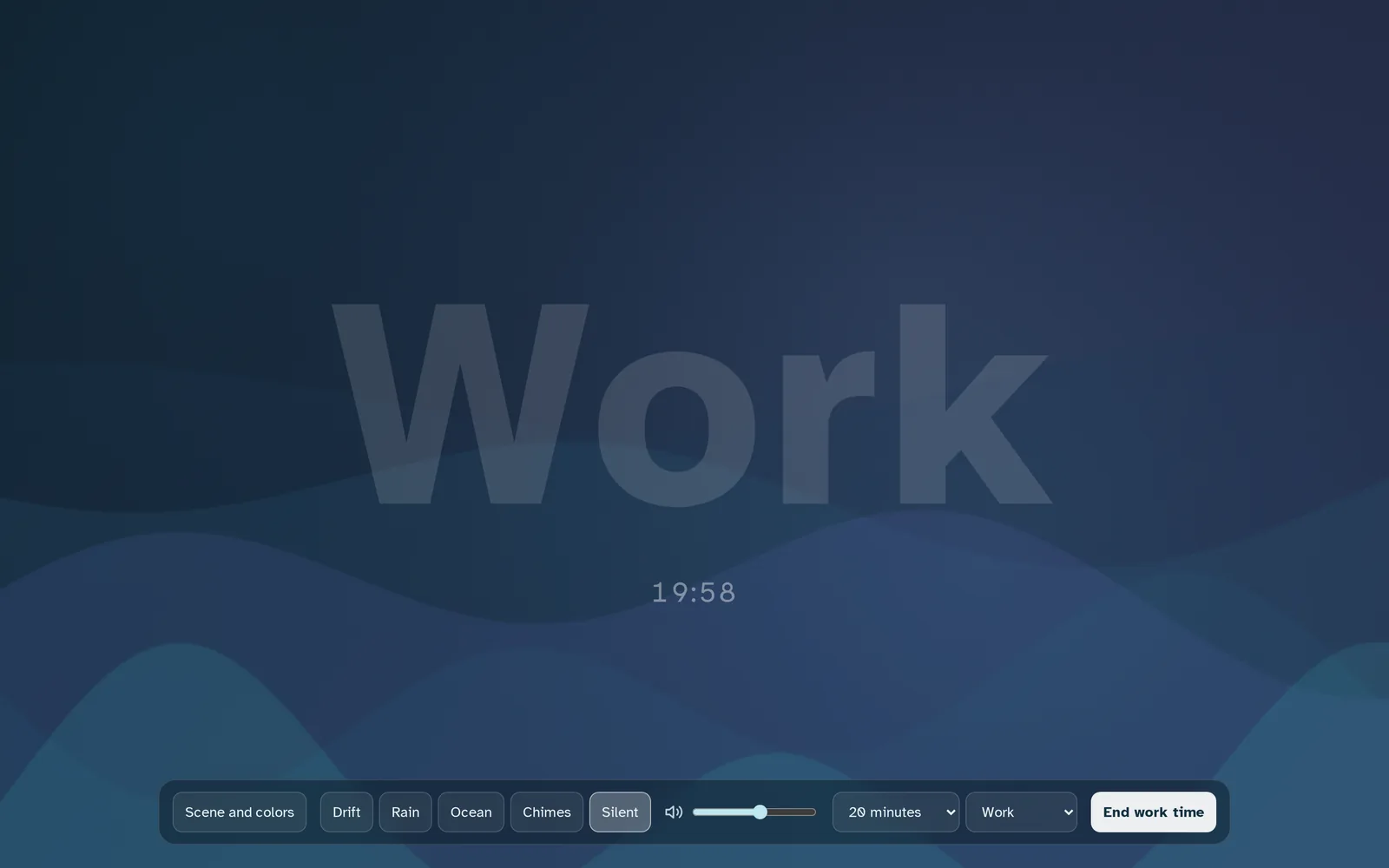
Ambient work mode fills the screen with slow moving color, a quiet word like Work or Read, a countdown, and soft sound. When you're presenting, the laptop or smart board shows only the board, filled edge to edge, while you write on the iPad in your hand.

Who it's for
Put the textbook page on the board and solve right on top of it. The space beside the slide is room for the second method, the student's question, or the mistake worth talking about.
Timers, sounds, voice levels, and a calm work screen keep transitions short, so more of the day goes to learning and less to managing it.
Drop in a reading, a primary source, or an image and annotate it live with the class. Export it afterward so students have the same notes you made.
Keep each student's work on its own board and pick up exactly where you left off last week, on any device.
Present slides, collect ideas on sticky notes, and group people into teams with the group maker, all on one screen.
Seating charts, class lists, and today's board are waiting on whichever device is in the room.
Privacy
Classboard was built for a school, so privacy isn't an add-on.
Boards, class lists, and seating charts are encrypted on your device before they sync. The server only ever holds the locked copy.
No advertising, no analytics scripts, and nothing sold. It's a tool, not a data business.
First names or initials are all a class list needs. There's no place for grades, health details, or behavior notes.
Back up every board to a file anytime, and export annotated pages as PDFs.
Early access
Classboard is opening to teachers a few at a time so every new classroom gets a smooth start. Make your account now and I'll approve it as soon as a spot is ready.
Once you're approved, open Classboard and sign in. Your boards stay in sync across your iPad, laptop, and classroom display.
Create your accountAlready have one? Sign in
Your email is only used for your account. No newsletters, no sharing.
Questions
Classboard is free during early access. Early access teachers will get a founding price when paid plans start, and plenty of notice before anything changes.
Anything with a modern browser: iPad, Chromebook, Mac, Windows laptops, and classroom displays. It works best with an iPad and Apple Pencil for writing, and a laptop or smart board for the room to watch. You can add it to your home screen so it opens like an app.
Every account comes with storage for your boards, PDFs, and videos. Opening a few at a time keeps things fast and reliable for everyone who's already using it.
Yes. Your boards are saved on your device, so you can keep teaching if the Wi-Fi drops. Changes sync to your other devices when you're back online.
Only the names you type into a class list, and those are encrypted on your device before they sync. First names or a first name and last initial are all it needs.
School and department plans are coming. Add your school when you sign up and I'll reach out.